



Think about your truck. You wouldn't buy it, drive it for three years and never change the oil. It would run fine for a while. Then one morning it wouldn't, and the repair bill would make you wish you'd spent a little along the way.
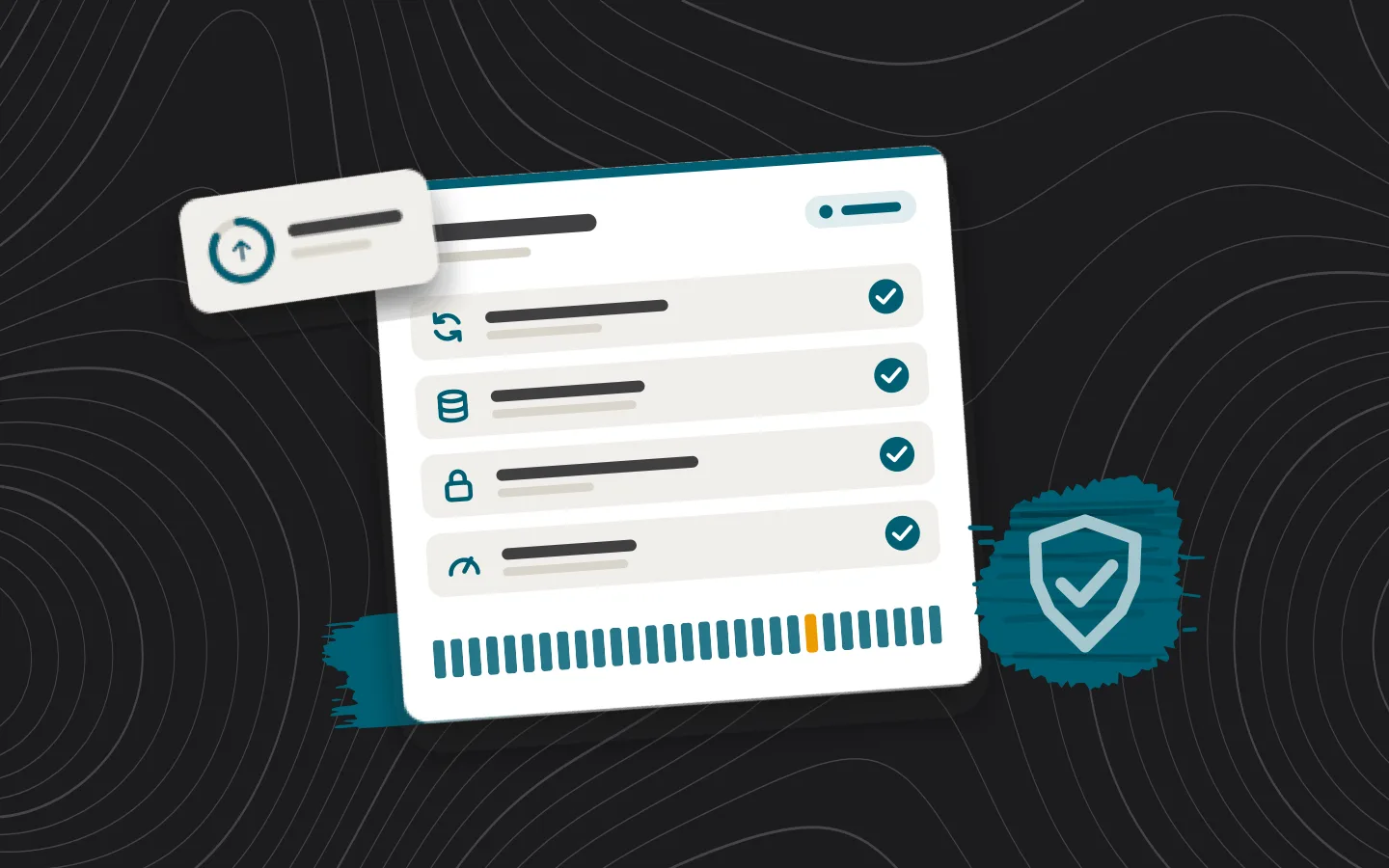
A website works the same way. It's not a poster you hang up and forget. It's a working piece of equipment, and website maintenance is the regular care that keeps it doing its job. So what does website maintenance actually include? Here it is, in plain English.
What website maintenance includes
Updates
The software your website runs on gets updated regularly. Those updates fix bugs, add features and, most importantly, patch security holes that people have found.
Skip them, and your site slowly falls behind. Eventually something stops working, or a known weakness sits open for anyone who knows where to look.
Backups
A backup is a saved copy of your whole site, stored somewhere safe. If something breaks, gets hacked or gets deleted by accident, you restore the last good copy and carry on.
Without a backup, a problem that should take twenty minutes to fix can take weeks, or mean starting over. A good backup plan makes copies automatically and keeps several recent ones, so one bad day doesn't wipe out the lot.
A backup is the cheapest insurance you'll ever buy, right up until you need it.
Security
Small business sites get targeted all the time, mostly by automated programs that don't care who you are. They're looking for old software and weak passwords.
Security care means watching for those weak spots, keeping logins locked down and scanning for anything strange. If something does slip through, you want to hear about it from your maintenance team, not from a customer who got a scary warning.
Speed and uptime
Slow sites lose customers and tend to rank worse in search. Maintenance means checking now and then that your pages still load quickly, that images haven't gotten bloated and that your site is actually up. Sites go down without telling anybody, and it's better to catch that in minutes than in a week.
Making sure the important stuff still works
Contact forms, phone links, booking buttons: these are the parts of your site that pay the bills. They can quietly break after an update or a change on the other end. Part of good maintenance is testing them regularly so a broken form doesn't cost you leads for months before anyone notices. If you're already wondering where your leads went, see why your website isn't bringing in leads.
Small content changes
Business changes. A new service, new hours, a new price, a new team member. Keeping your site current means someone makes those edits promptly, so your website says what's true today. (Out-of-date info is one of the quickest ways to lose a customer's trust. So is a "Meet the Team" page featuring someone who left in 2022.)
What happens if you skip website maintenance?
Nothing, for a while. That's the sneaky part. Then you might see:
- A site that loads slowly and slips down in search
- A contact form that quietly stopped sending messages
- A security problem, and a mess to clean up
- A big, expensive fix after a small, cheap problem went unnoticed
None of these are certain. All of them get more likely the longer a site goes untouched.
Should you handle website maintenance yourself?
You can handle some of it yourself if you enjoy that sort of thing and have the time. Most business owners would rather spend that time running the business. That's the idea behind Website Management: we take care of the updates, backups, security and small changes, so your site stays healthy and you don't have to think about it.
Signs your website needs maintenance
Not sure whether yours is getting the care it needs? Look for these warning signs:
- You can't remember the last time anyone updated it
- Pages load slowly, especially on a phone
- Your contact form hasn't sent you a message in a suspiciously long time
- You see browser warnings, broken images or links that go nowhere
- Nobody can tell you where the latest backup is
If two or more sound familiar, it's time for a checkup.
Frequently asked questions
How often does a website need maintenance?
Constantly, in small ways. Updates, security checks and backups should happen on a regular schedule, and your forms and key pages should be tested often. Content changes happen whenever your business does.
How much does website maintenance cost?
It varies with the size of your site, how much it does and how much support you want. Be wary of a price that sounds too good to be true, and ask exactly what's included before you sign up. We'll walk you through it on a free consult.
Does a simple website still need maintenance?
Yes, though a simpler site usually needs less of it. Even a small brochure site needs updates, backups and security care, and its contact form still has to work.
What happens if my website gets hacked?
If you have recent backups, you can usually restore a clean copy and then close the hole the attacker used. Without a backup, recovery is slower and more expensive. That's why backups and updates come first.
Wondering what shape your site is in?
Our free Website Review looks at the basics and tells you honestly what your site needs, with no pressure and no jargon.
